The Complete Artist’s Guide to
Print File Set Up
The best prints begin with high quality files.
Here’s what we need to create beautiful prints of your work.
Best Practices
(at a glance)
Save out your files with these specifications:
More details on each below
300ppi
Actual print size dimensions, or larger
RGB color profile
Fully cleaned and flattened
Export your file as a TIFF
300 PPI
PPI stands for Pixels Per Inch. It is a measurement of resolution information contained in your file and directly affects the quality of how your image will print.
300ppi is the magic number needed for a high quality print.
We recommend starting with your digital file at 300ppi instead of upscaling it after your piece is completed.
Printing a file that has lower than 300ppi will often result in a blurry, jagged, or pixelated print.
Important Note:
Upscaling your completed artwork to 300ppi won’t maintain the same quality as it would if you were to begin with a file set up at 300ppi.
Upscaling it later can cause brush strokes to become pixelated and line quality will be reduced. Beginning your work with a canvas set at 300ppi will ensure that all resolution information is retained.
When you start with a 300ppi canvas, your brush strokes and lines will print as crisp as when you created them.
A file containing over 300ppi will allow you to print at a larger physical dimension than the original file due to the increased resolution information. Setting up your file at over 300ppi isn’t necessary unless you want to print larger than your canvas.
Avoid 72 ppi!
72ppi is considered good quality only when an image will be viewed on a screen digitally, whether that is social media sharing, an online portfolio, or product images in your web-store.
72ppi is only a fraction of the resolution that we need for printing. iPhones and other phone cameras shoot photos at 72ppi and can often print acceptable quality at around 8x10” at the largest.
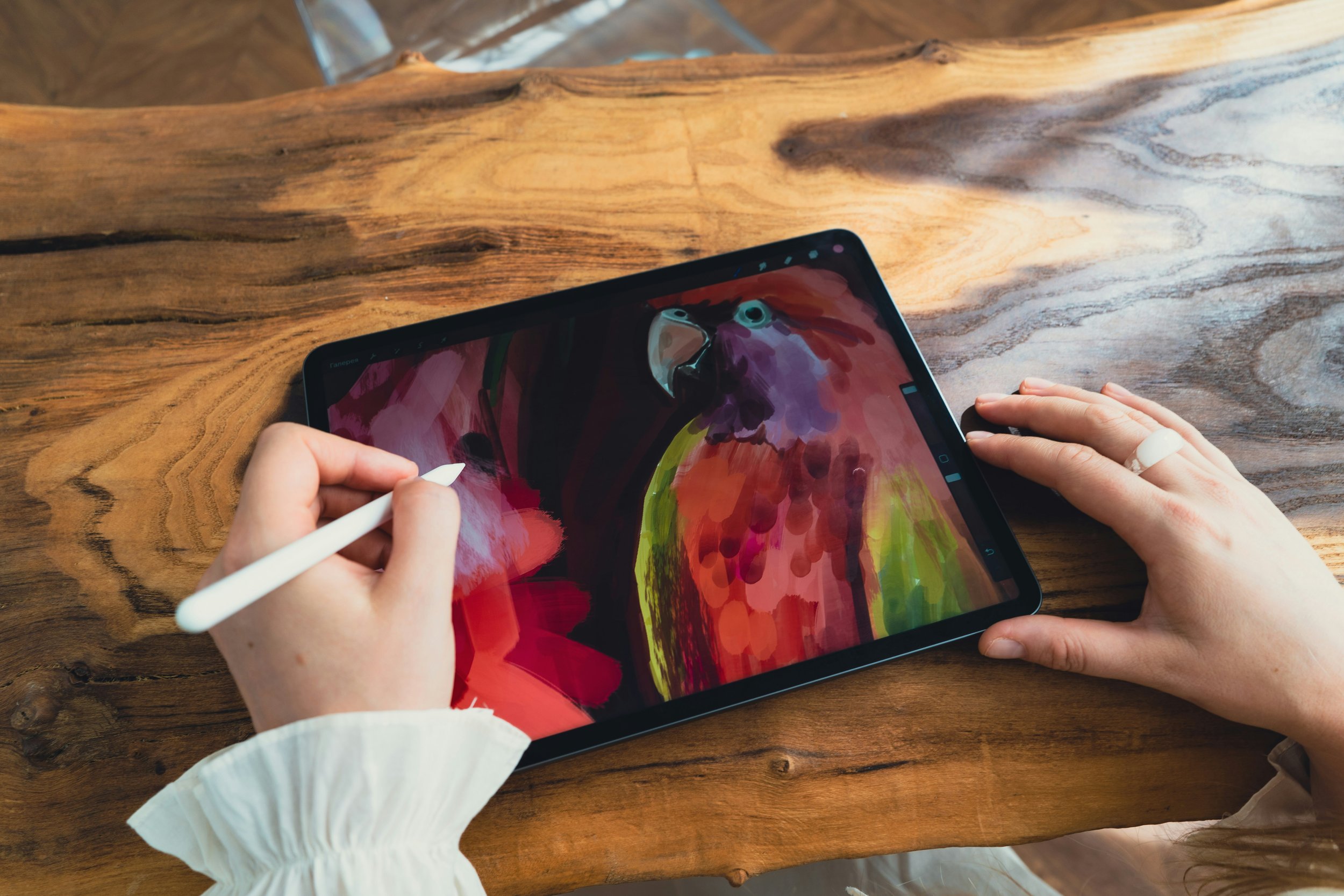
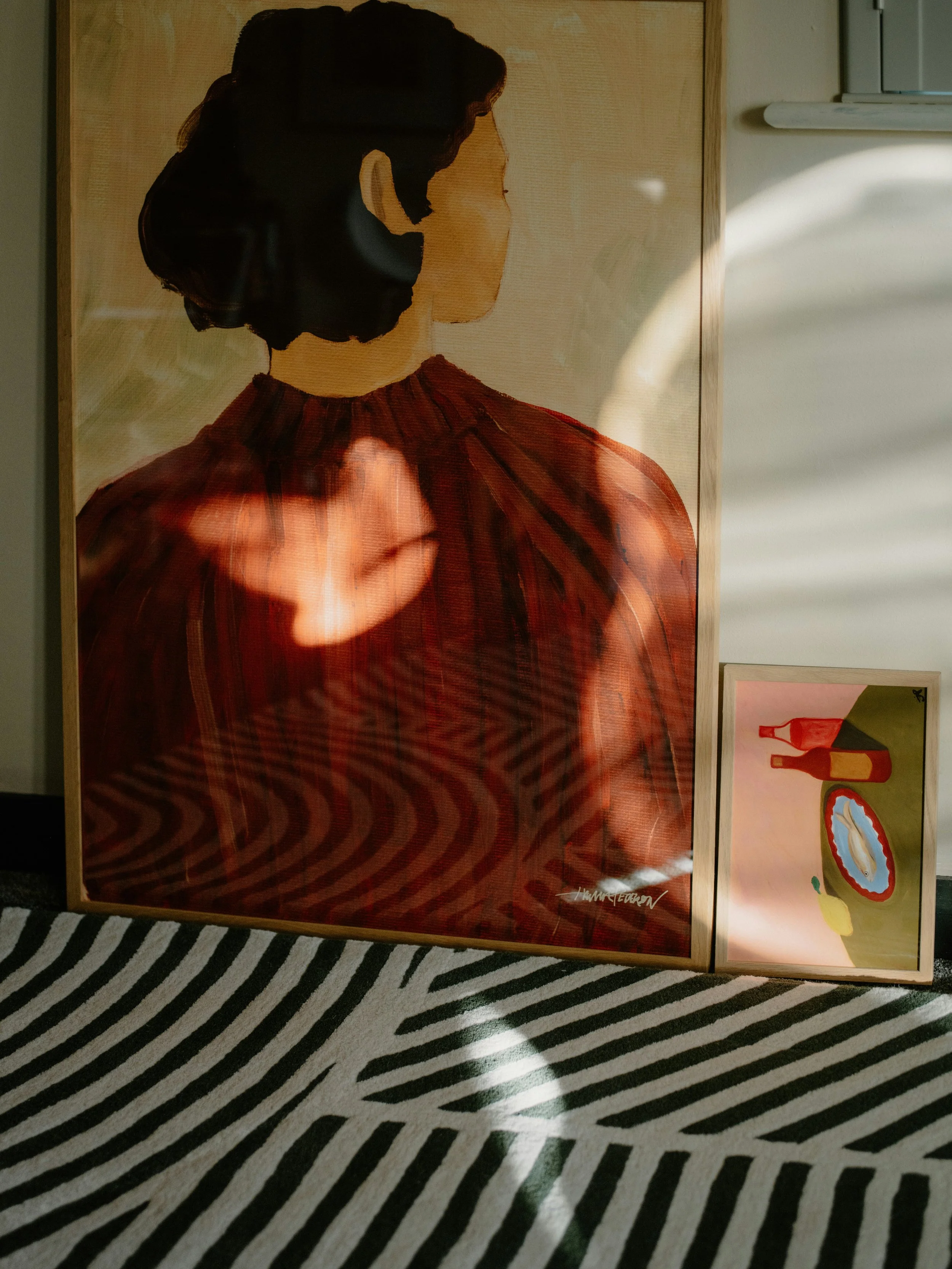
How do you imagine this on your wall or out in the world? Will it be framed or matted?
Actual Size Measurements
When thinking about artwork measurements, we suggest considering whether you want the print to fit in a standard frame, require custom framing, or whether it will be printed on canvas and stretched.
Standard-sized frames are widely available and make it easy to get your work up on the wall.
Custom framing can offer a premium feel that often comes with a higher price point.
Printing on canvas can also work well for custom sizing outside of standard frame sizes. Our stretched canvas prints come complete with hanging hardware already installed making them a great ready-to-hang option for non-traditional image sizes.
When setting up your digital canvas to start creating, consider the intention, size, and overall impact that you would like for your piece.
Aspect Ratio
Aspect ratios share common proportions between different sizes.
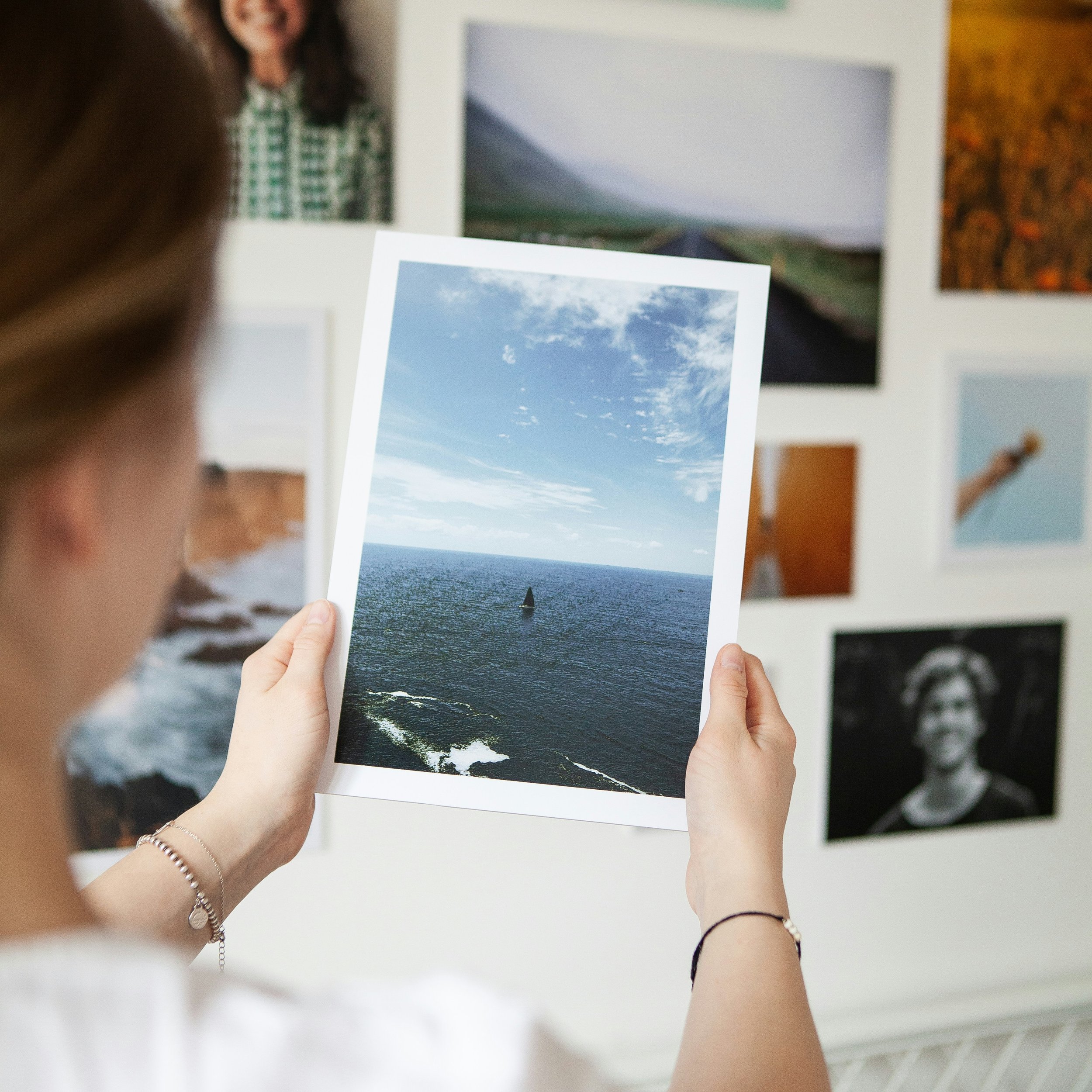
If you’re thinking about making multiple sizes of the same piece, create it at the largest measurement that you will be printing at.
Consider working within one aspect ratio to prevent cropping part of your image.
For example, 8x10” and 16x20” both share the same aspect ratio of 4:5 and would not require layout adjustments or cropping between those two sizes.
Common Printing Aspect Ratios
2:3 - 4x6, 8x12, 12x18, 16x24, 20x30, 24x36, 40x60
4:5 - 4x5, 8x10, 16x20, 24x30
1:1 - (square) 5x5, 8x8, 12x12
3:4 - 18x24, 30x40
5x7 - 5×7, 10×14, 20×28
RGB Color Profile
RGB and CMYK are two different color representation models that will affect how your image is seen on screen and in printing.
Our printers work with RGB color profiles, offering a wider color gamut with 12 ink tanks.
Although it is widely taught in schools that CMYK is used for printing and RGB is used for screen use, there is no need to convert your file or work within CMYK when printing with us at The Painted Pixel.
Please make sure your file has an RGB profile assigned to it, like one of the following:
Adobe RGB (1998)
ProPhoto RGB
sRGB
Clean Up
One last thing is needed before printing -
the Clean Up stage comes into play here.
You’ve set up your file with the right tech specs, put a lot of time and love into your creation, and now your piece is complete!
Zoom in and scour over all parts of your image.
If you can see it in your file, you will see it in your print.
Look out for stray marks or pixels that shouldn’t be there and remove them, including dust or stray hairs if you scanned a physical artwork.
Don’t forget the edges!
Check that all layers fully reach the edges and corners.
If you scanned a physical artwork, check that any surface backgrounds or frames are fully cropped out of the edges.
Important Note:
We do not offer free reprints if you notice an issue with your file after it is printed.
If you would like to reprint your artwork, please submit a new Print Order Form with your new file.
The extra attention to detail here will go a long way toward a beautiful and polished print!
Exporting and File Types
A file type defines how data is stored and encoded on a computer or digital device.
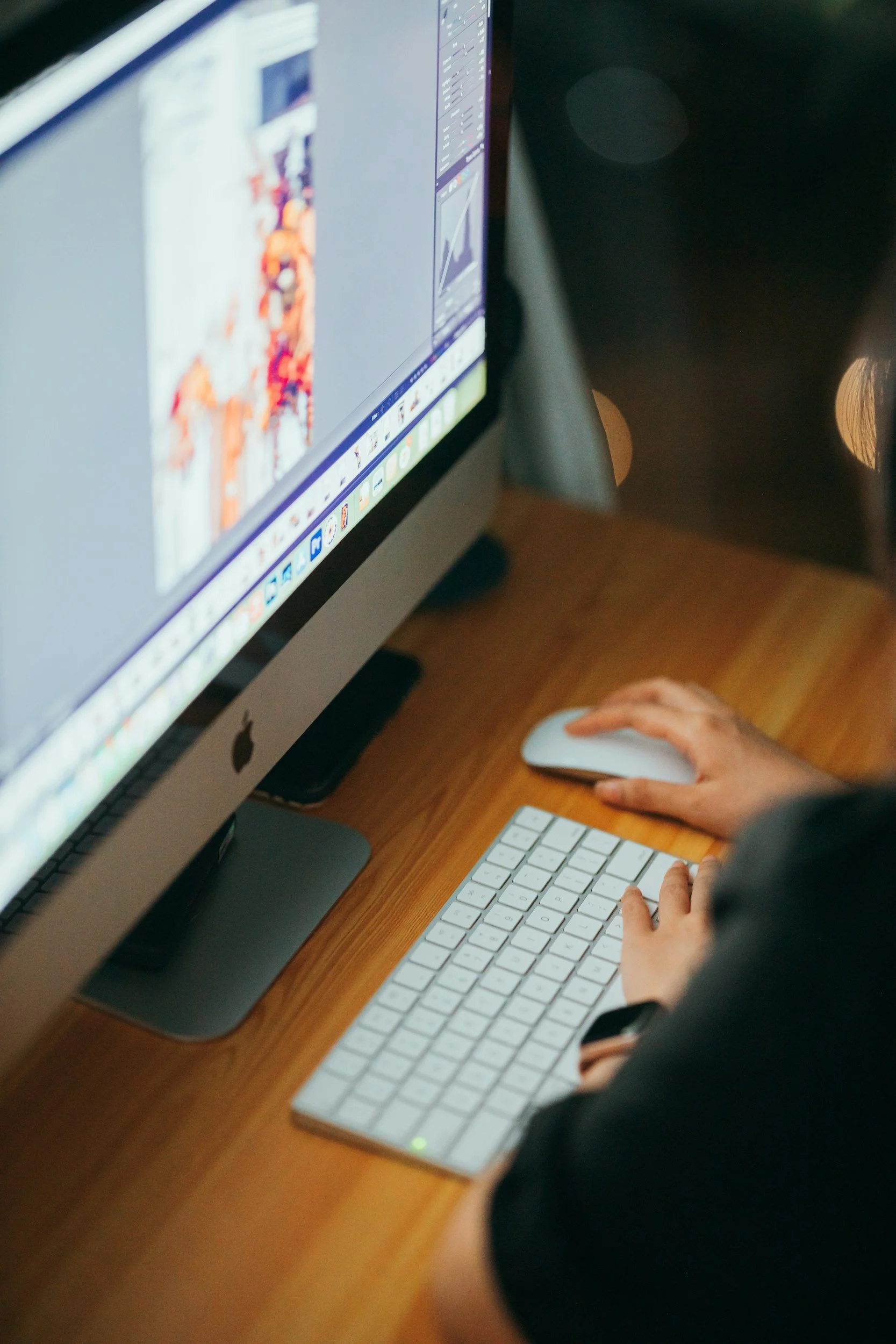
If you’re working with Adobe Photoshop, your project file containing all the layers will be stored with a .psd extension, or .ai if you’re using Adobe Illustrator.
If you’re working with Procreate, your layered project file will be stored with a .procreate extension.
Tiff - Our Preferred File Type: highest resolution file type, lossless format to preserve all original image data without image compression.
Png: high resolution file, also offers lossless compression with smaller file size than tiff. Supports transparency.
Jpg: smallest file size that offers benefits for file storage however, some image quality/sharpness will be lost in compression, best for digital use rather than printing but can still give a good result.
Psd: we work with Photoshop in studio and can also accept files in Photoshop format. Please outline all fonts and flatten layers before submitting.
Once your piece is finished and cleaned up, save out a copy or export it as one of the following file types that we accept for printing:
Ready To Go?
Click the button below to Order Prints:
Still have questions?
Our team is happy to help, give us a shout:
hello@thepaintedpixel.com
